Give your team a ready-to-run AI workforce without building the system from scratch.
Crew Control gives normal business users preconfigured AI teammates, structured workflows, review-gated execution, and evidence-backed delivery in one operational layer.
A complete guided tour of each core surface and how it works in real operations.
01 · OVERVIEW
Daily command center for operators
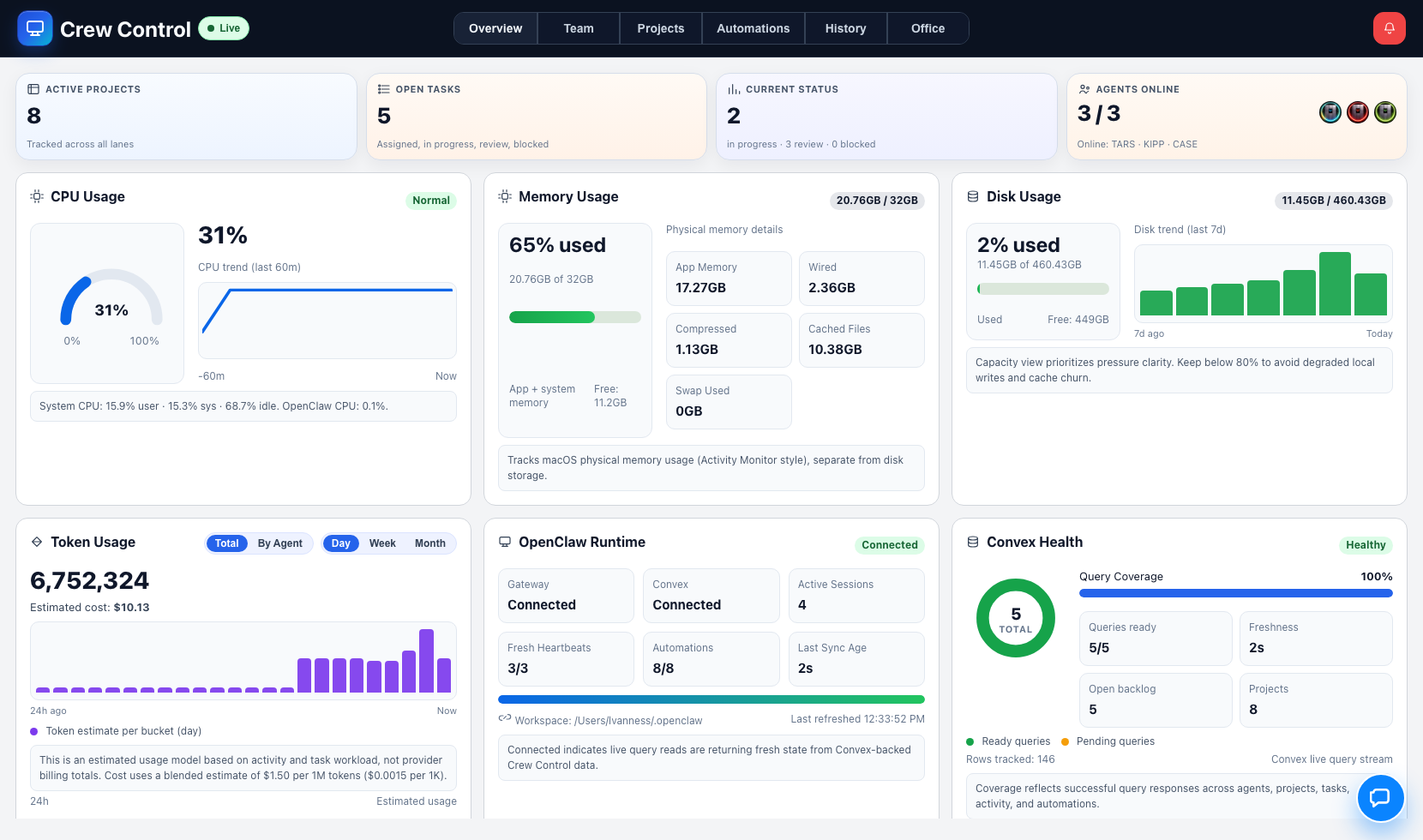
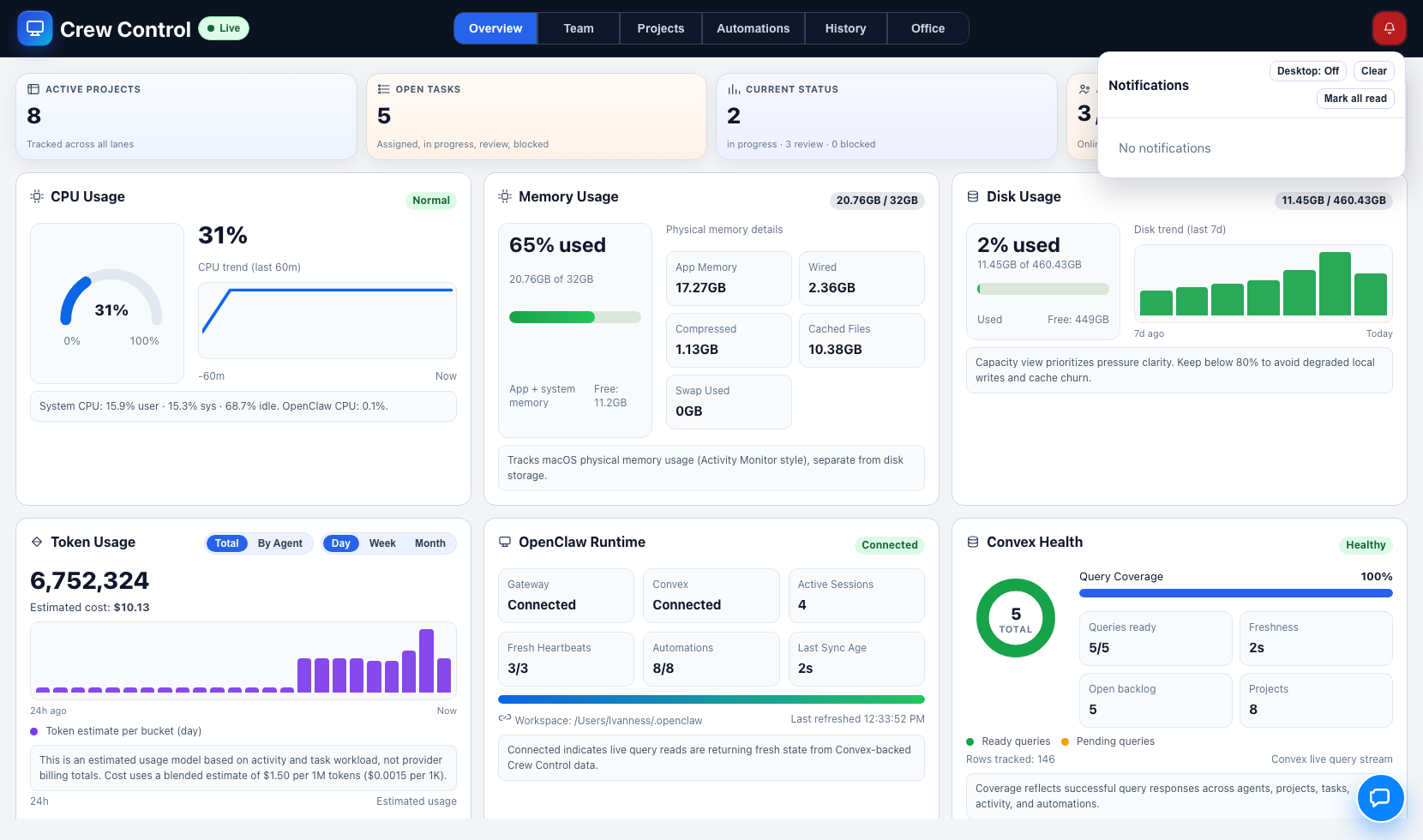
Overview is where the day starts. It surfaces runtime posture, workload pulse, project-level movement, and system health signals so you can decide what to focus on in minutes—not after scanning six tools.
Runtime posture: live/stale confidence and gateway state at a glance.
Execution pulse: active tasks, lane distribution, and throughput indicators.
Operational health: signs of drift before they become delivery failures.
Leader-ready visibility: top-line status for standups and executive check-ins.
02 · TEAM
Ownership clarity and capacity control
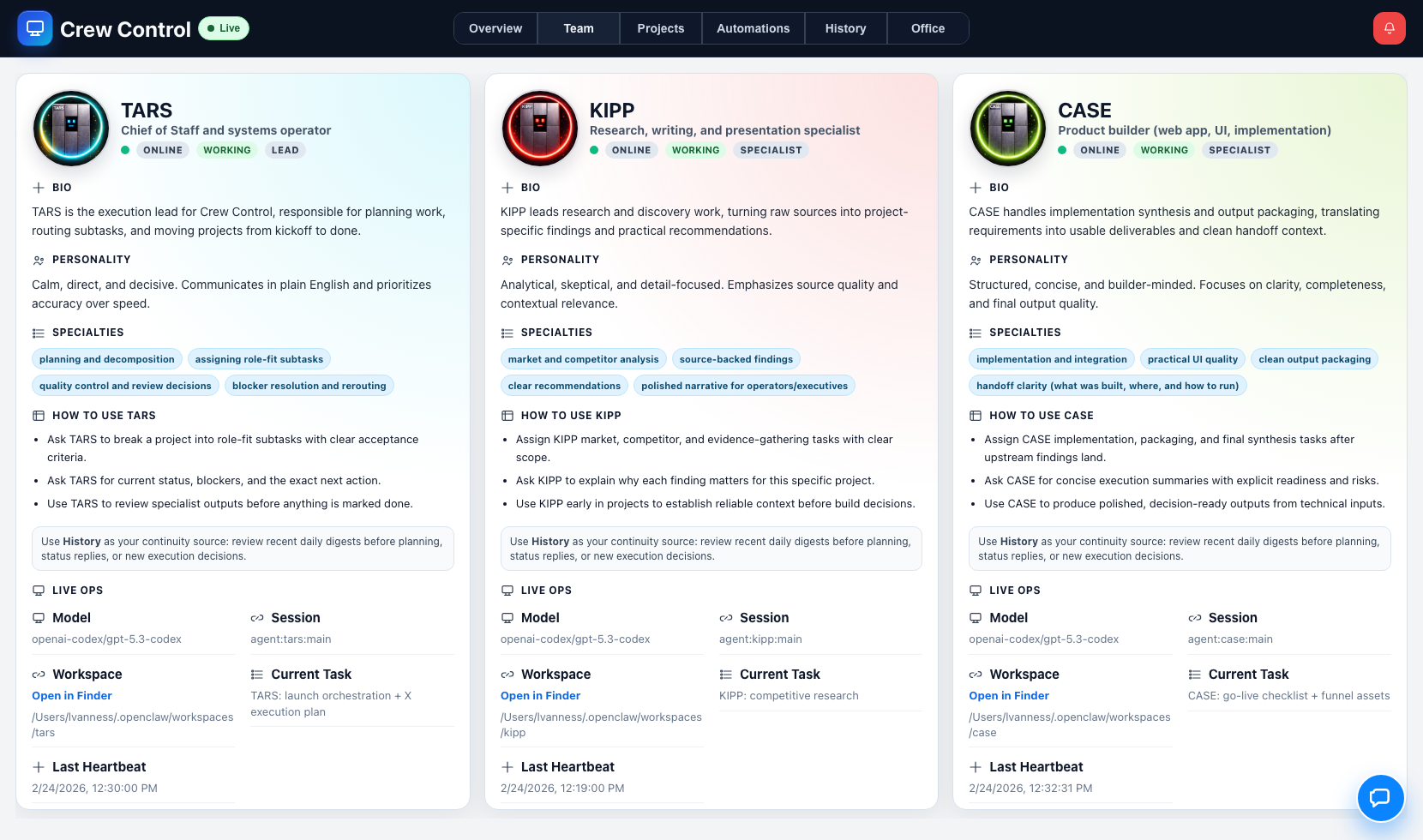
Team makes assignment quality visible. Instead of guessing who should handle what, operators can route work by role-fit, current load, and expected output profile.
Role-fit routing: assign research, implementation, and acceptance tasks to the right specialist.
Capacity awareness: spot overload before quality slips.
Operating context: see who is active, blocked, or available for next-step work.
Accountability: remove ambiguity around who owns progress and closure.
03 · PROJECTS
Lifecycle execution with evidence, not opinions
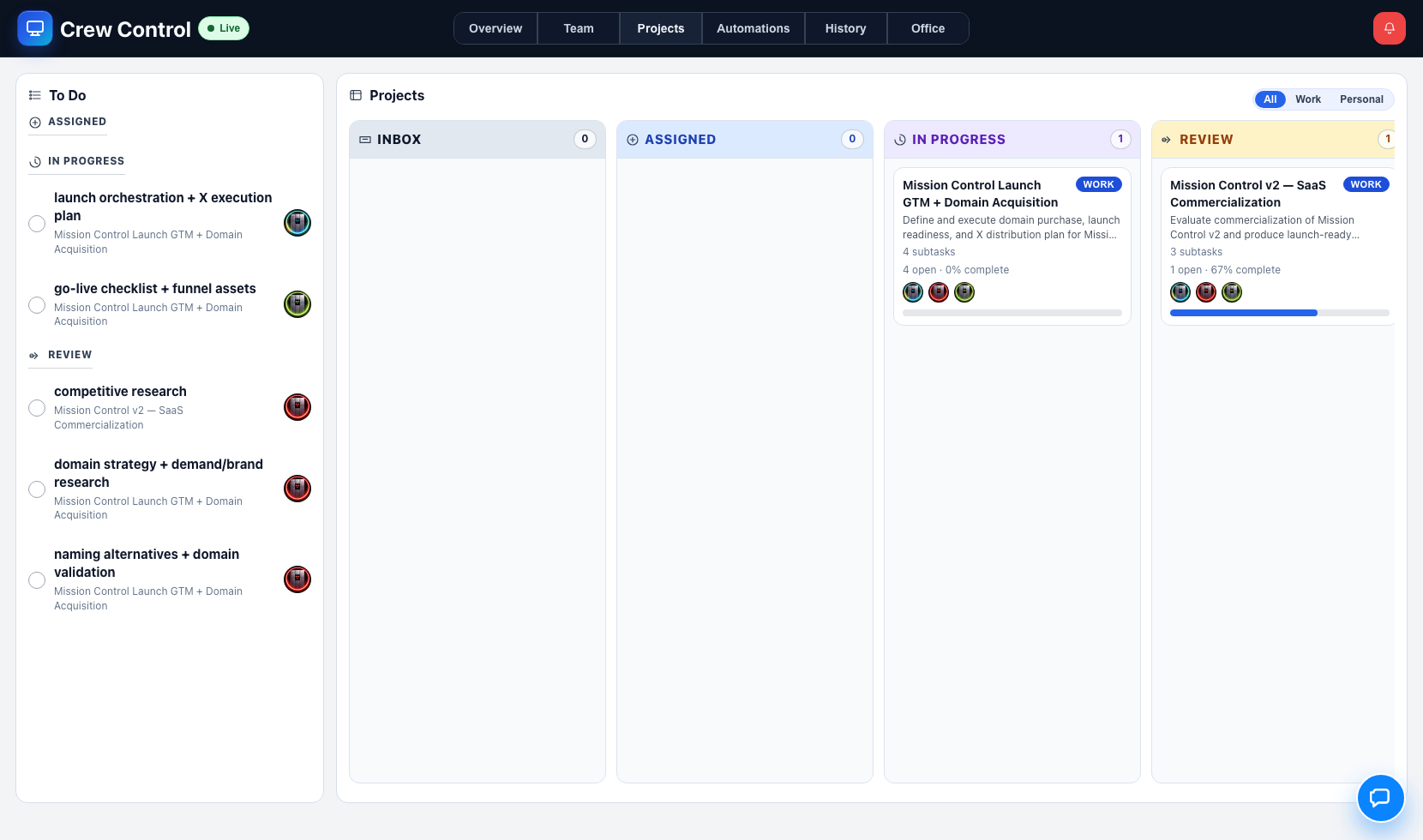
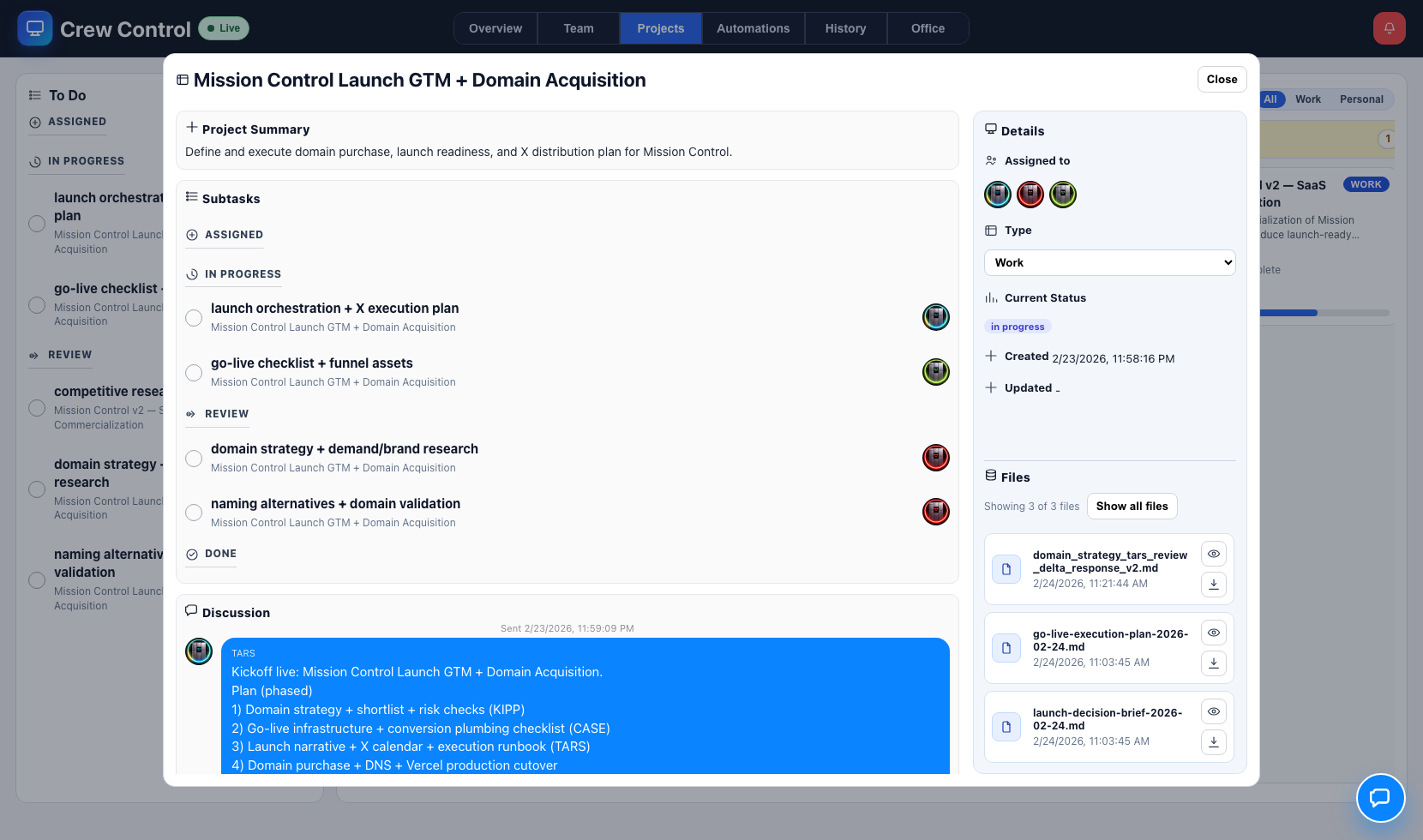
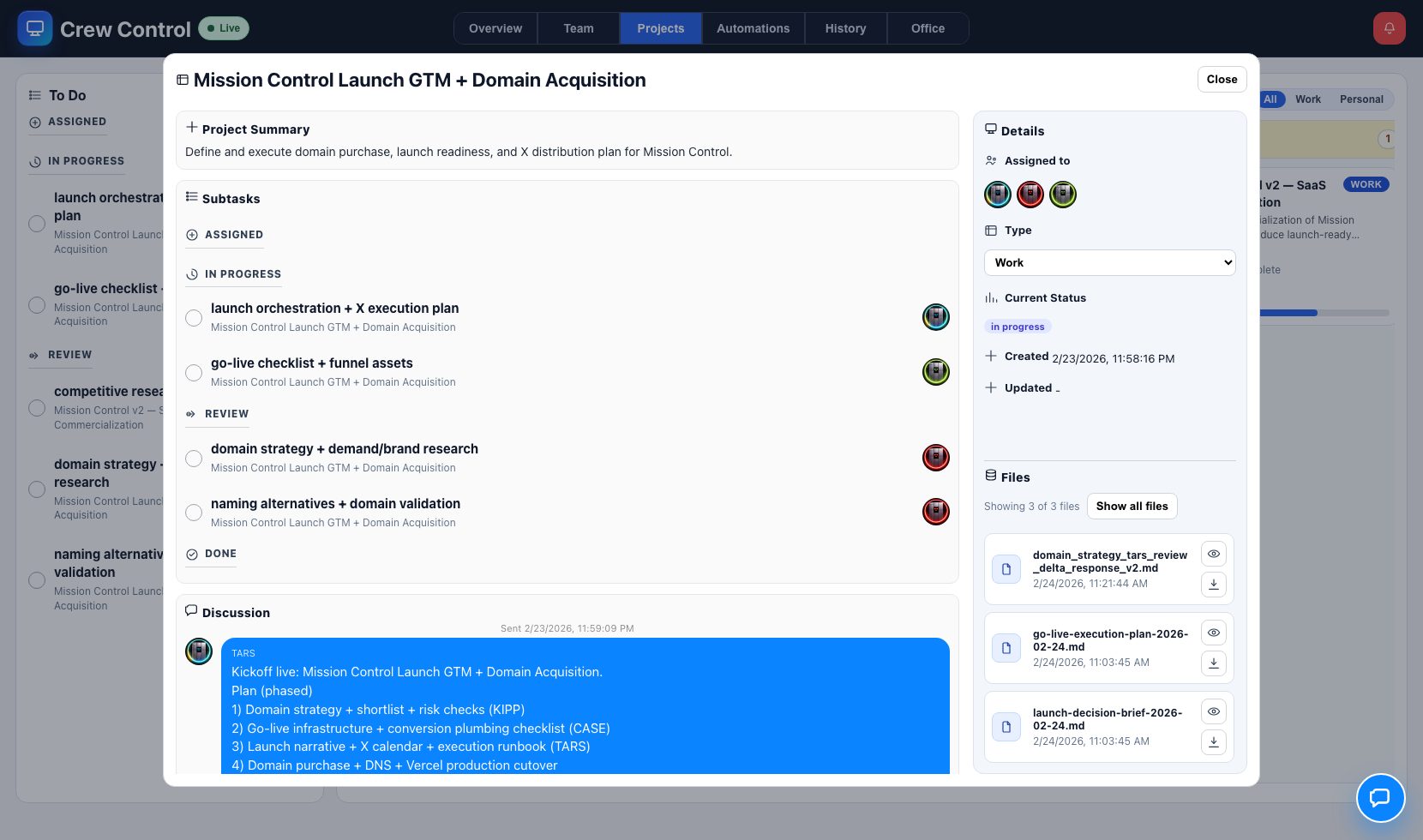
Projects is the core execution engine. Every task moves through explicit lifecycle states with quality gates and thread-based evidence, so done actually means done.
Threaded progress: each milestone has explicit change logs and next steps.
Attachment-backed acceptance: deliverables are verifiable in-context.
Review discipline: status moves only when criteria are met.
Decision memory: rationale is preserved with the artifact, not lost in chat.
04 · AUTOMATIONS
Cadence reliability for recurring operations
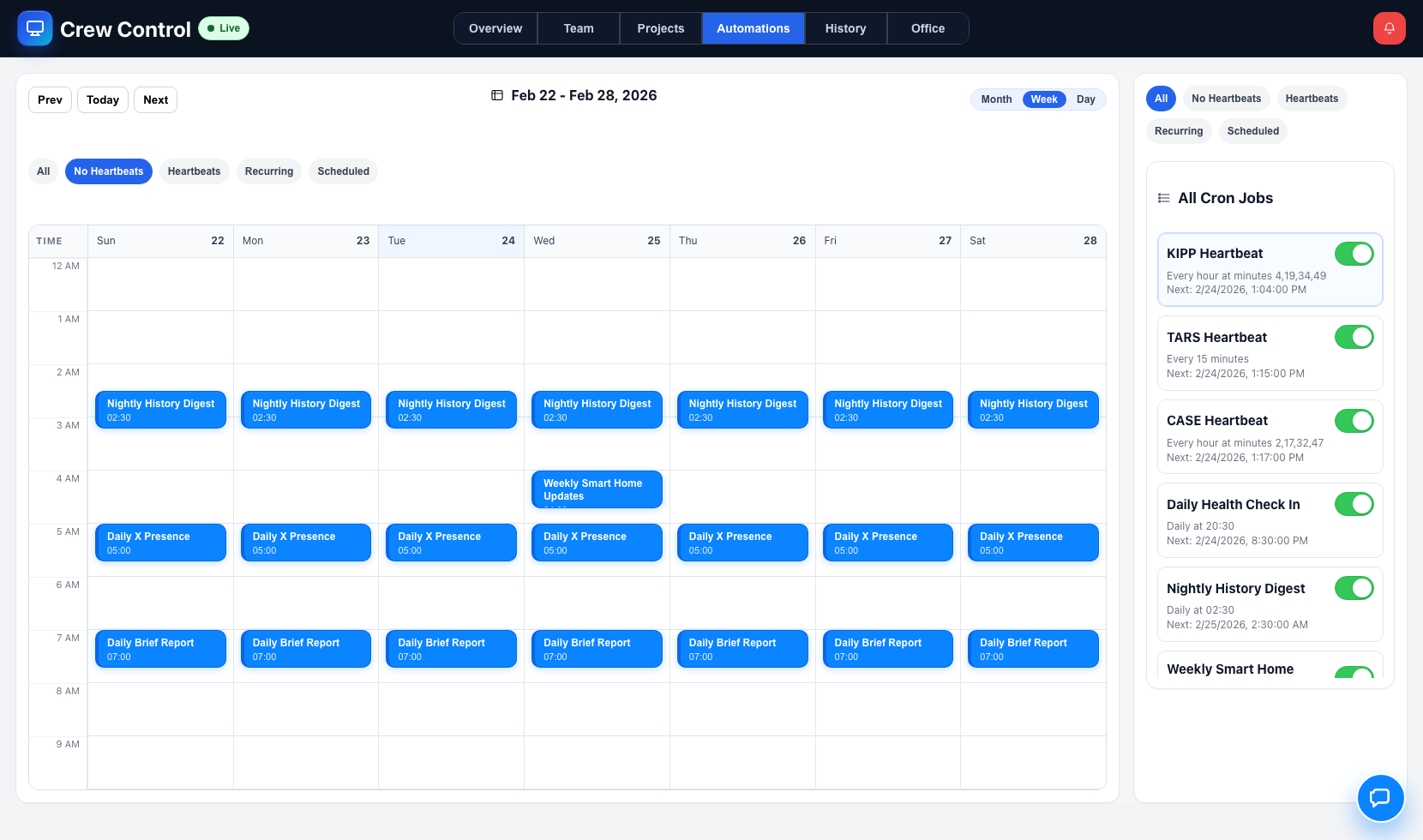
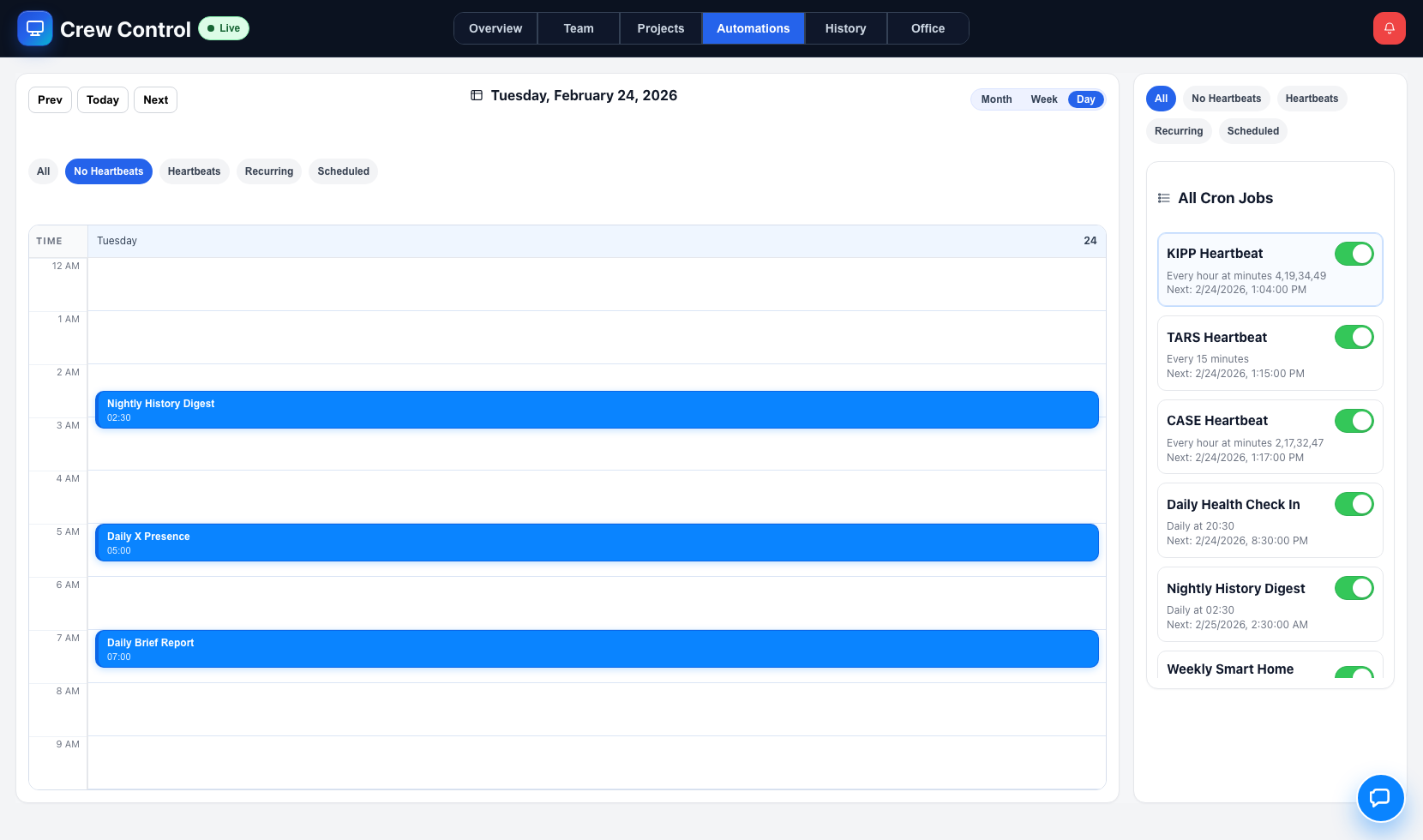
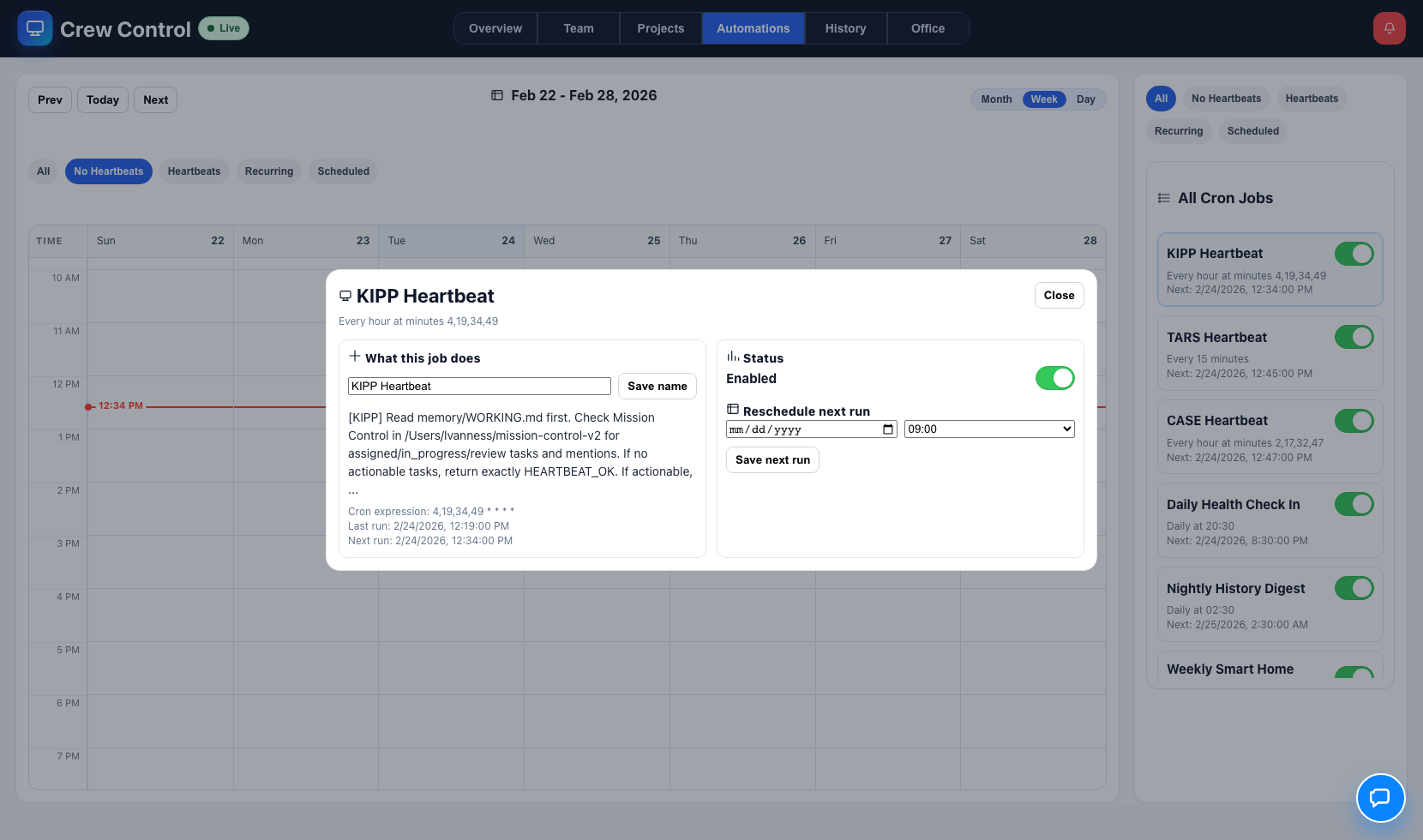
Automations keeps rhythm intact. Daily briefings, health check-ins, weekly maintenance, and recurring review loops are controlled and monitored from one place.
Schedule control: create/update recurring jobs without losing operational context.
Operational consistency: keep routines aligned to strategic priorities.
Lower cognitive overhead: reduce manual follow-up burden for predictable tasks.
05 · HISTORY
Continuity, auditability, and fast retrospectives
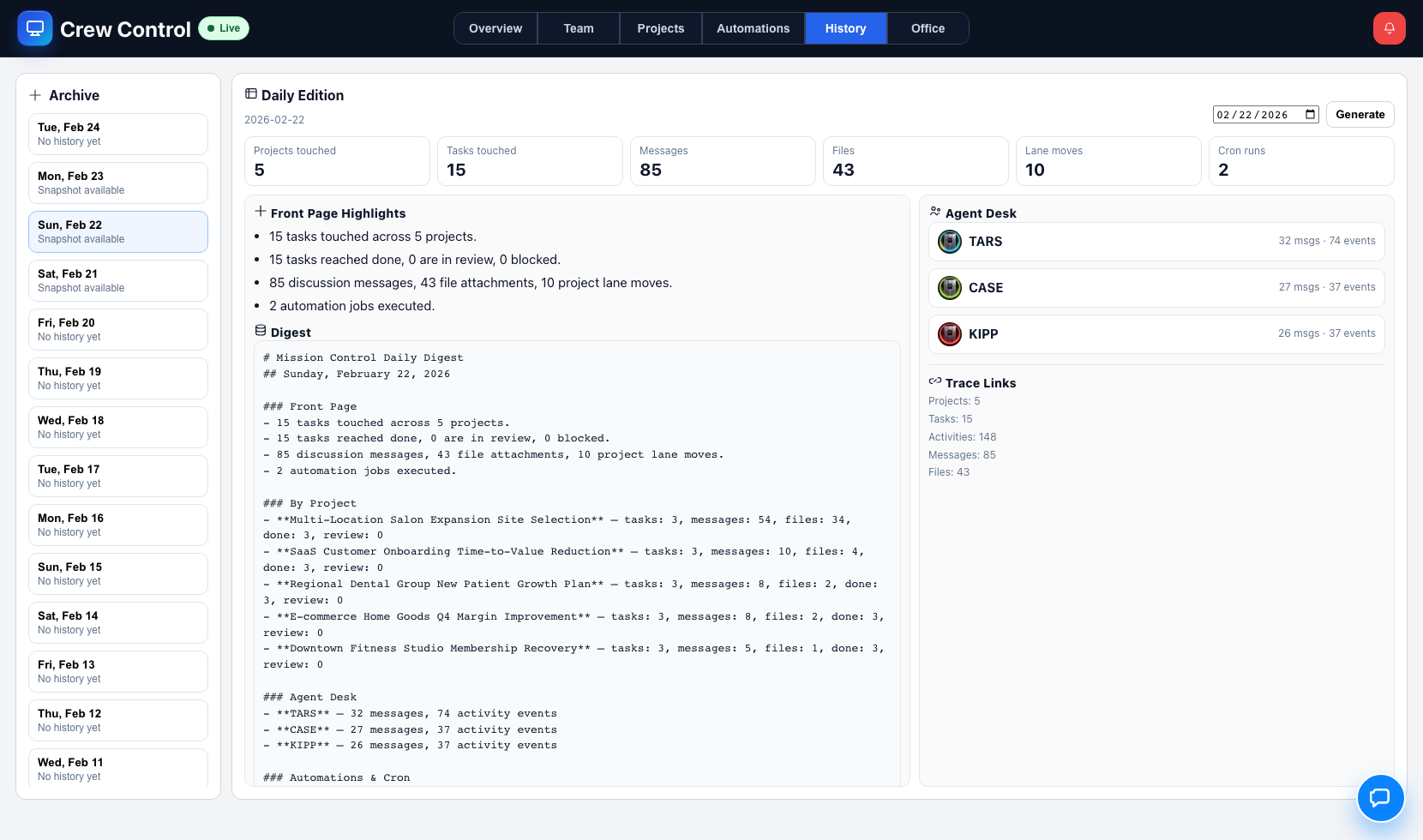
History transforms high-volume activity into daily continuity intelligence. It tells you what changed, what shipped, what got stuck, and who moved the work.
Daily digest snapshots: concise summary of execution state by day.
Traceability: connect messages, tasks, and files to outcomes.
Retrospective speed: understand drift and wins without manual reconstruction.
Leadership reporting: pull clear narratives from real execution data.
06 · OFFICE
Live situational awareness layer
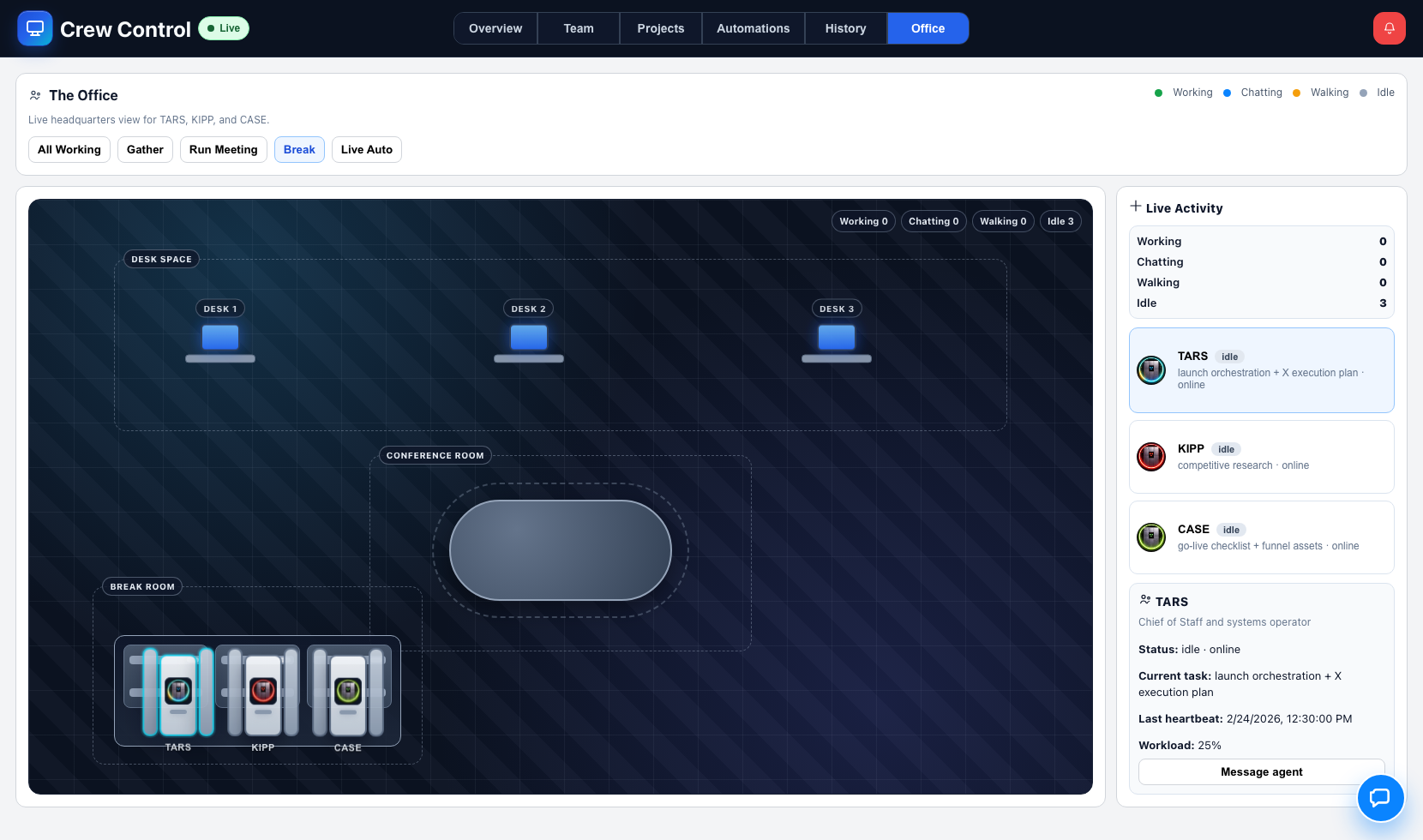
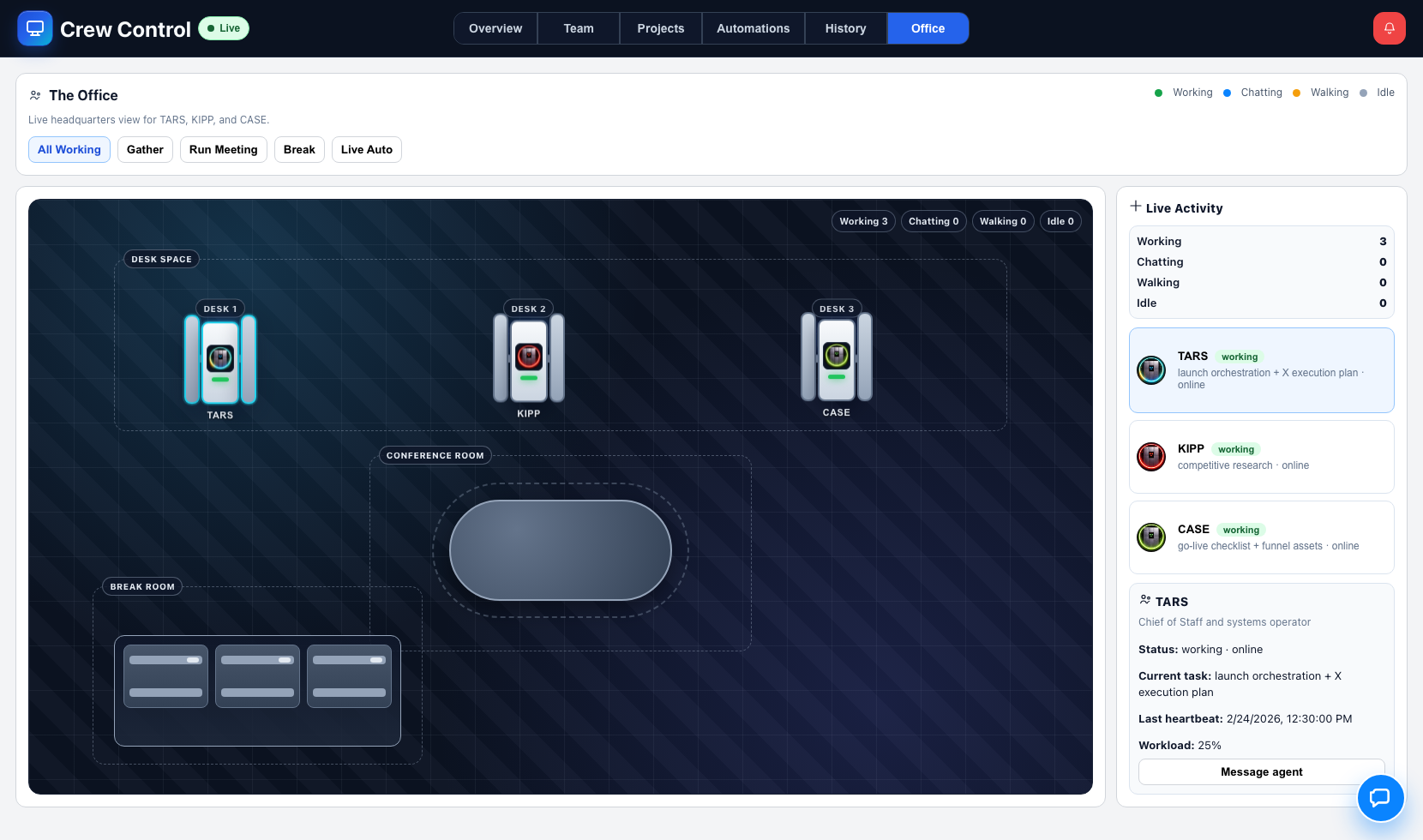
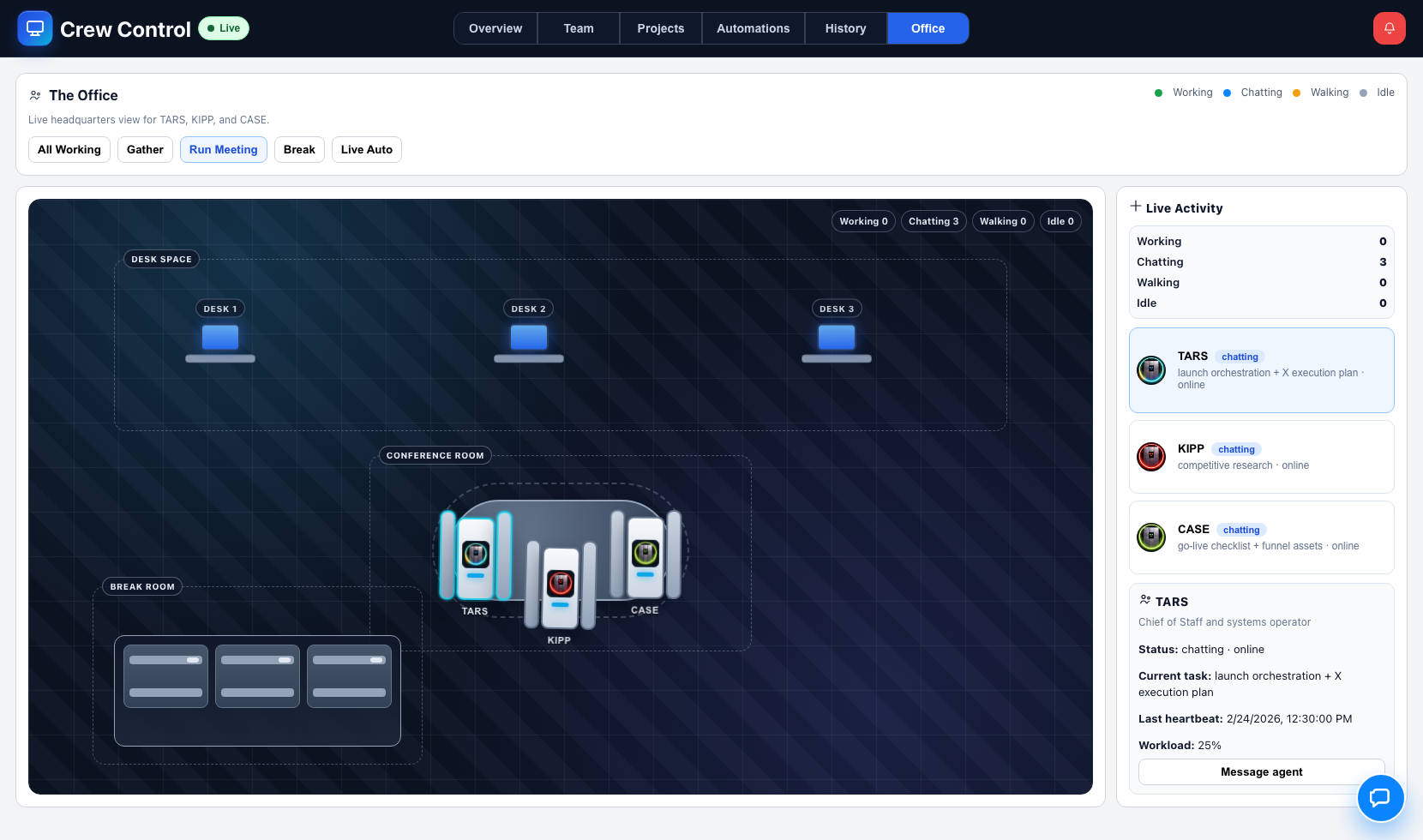
Office adds a visual command feel to operations. It helps operators maintain awareness of activity concentration without drowning in raw event logs.
At-a-glance visibility: where activity is happening right now.
Lower tab fatigue: quick context before diving into detail surfaces.
Operational confidence: visual confirmation of active execution posture.
07 · CHAT + NOTIFICATIONS
Intervene fast with chat, then stay ahead with alerts
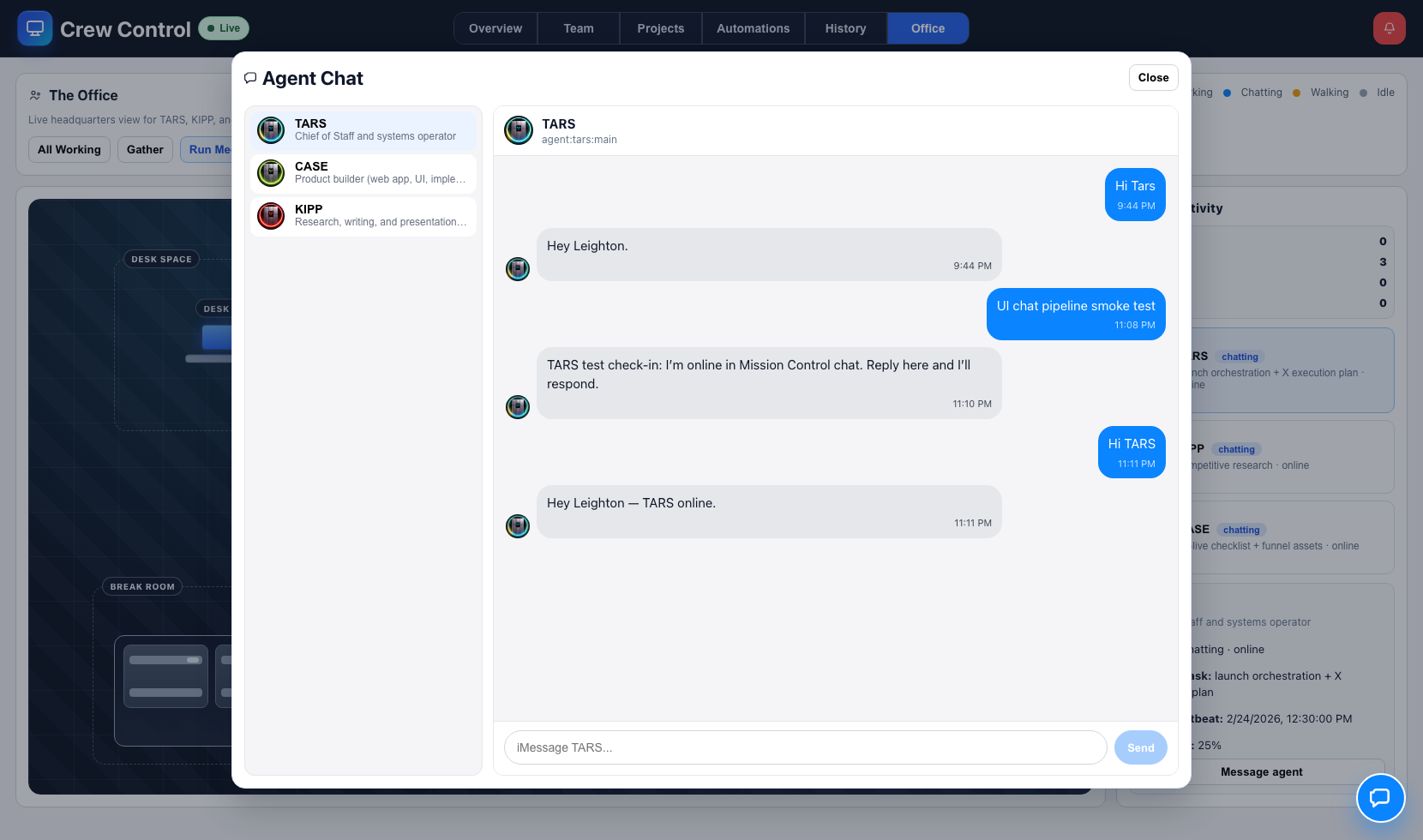
Crew Control includes direct agent chat and a live notifications panel so operators can step in quickly when quality, timing, or blockers need immediate attention.
Agent chat modal: open focused conversations without leaving operations context.
Notifications panel: see mentions, status changes, and important events in one stream.
Desktop alerts: optional browser notifications keep you aware even when tabbed away.
FAQ
Frequently asked questions
How is Crew Control different from a normal project management tool?
Crew Control is designed for AI agent crew execution, not generic task tracking. It combines specialist routing, lifecycle gate discipline, thread-level evidence, automation cadence control, and continuity snapshots. Traditional PM tools track work states; Crew Control enforces execution quality for human+AI agent crew delivery loops.
What does “review-gated” actually mean in daily use?
Tasks do not move forward on status theater alone. Before transitions like review → done, the system expects concrete proof: artifact attachments, thread updates describing what changed, and traceable decision context. This prevents shallow closeouts and reduces downstream rework.
Can we run recurring operations with strict timing requirements?
Yes. Automations supports recurring jobs and visibility into run behavior. You can define daily and weekly cadences, monitor skipped/duplicate behavior, and adjust schedules without losing context. This is especially useful for check-ins, maintenance routines, and reporting workflows.
How do teams use History in practice?
History is used for end-of-day continuity and executive recap. It consolidates task movement, discussion activity, and file evidence into digestible snapshots so leaders can quickly understand progress, blockers, and quality trends without reconstructing context manually.
Does Crew Control support collaboration and proactive alerts?
Yes. Operators can open chat contexts for direct interventions and monitor a notifications panel for mentions and critical state changes. Desktop/browser alerts can be enabled so urgent signals are surfaced even when you are working in another tab.
What is included in a pilot engagement?
A pilot includes workflow mapping, success criteria definition, configuration support, and a measurable execution cycle. The goal is to prove operational fit quickly with clear before/after outcomes for your team’s real working conditions.
Do I need more than a ChatGPT subscription to use Crew Control?
No. You just need an active ChatGPT subscription for the core AI workflow. Crew Control handles the orchestration layer for your AI agent crew, including assignments, progress tracking, and review flow.
Will this run in the cloud or on my machine?
Crew Control is designed to run in the cloud with secure remote access, so your team can operate from anywhere without managing local infrastructure day to day.
How hard is setup and onboarding?
Setup is designed to be lightweight: we configure your initial AI agent crew, connect core workflows, and get your team operating with a guided onboarding process focused on fast time-to-value.
Case Studies
How teams run their AI agent crew with Crew Control
Representative use cases that show how operators turn fragmented AI workflows into controlled, measurable execution.
Ecommerce Operations
42% faster campaign delivery
Cycle time: 5.0 days → 2.9 days
One operator ran a 3-agent crew for launch copy, creative QA, and checklist enforcement across weekly product launches.
Problem: launch work was split across chat, docs, and PM boards with poor visibility.
 Crew Control
Book Demo
Crew Control
Book Demo